
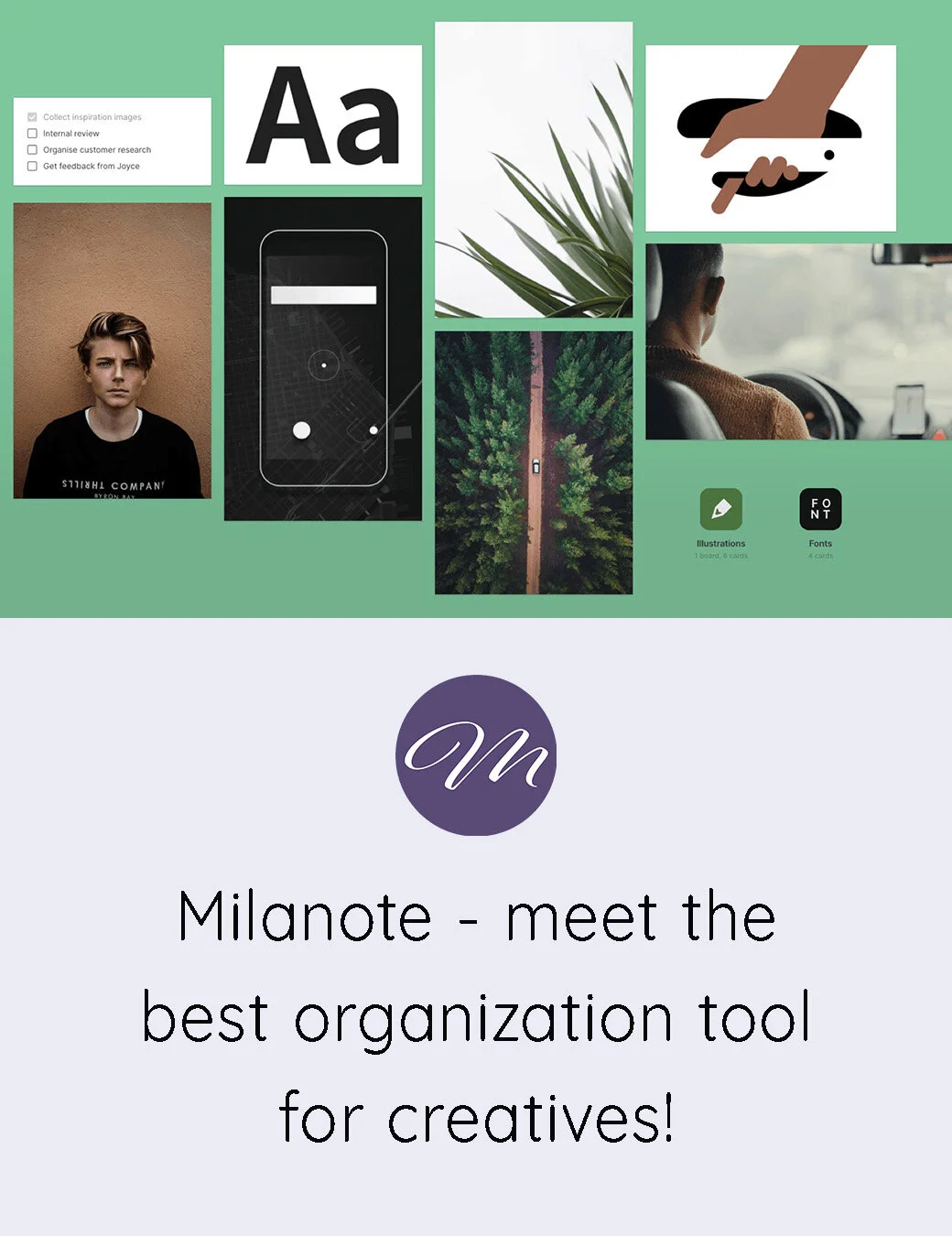
As a creative person juggling multiple projects, ideas, and platforms, I’ve tried just about every organization tool out there. Some were too rigid, some too corporate, and others simply didn’t match the way my brain works. When I finally discovered Milanote, everything clicked. It felt like a workspace designed specifically for creatives — visual, flexible, intuitive, and genuinely enjoyable to use. Over time, it has become the central hub for my entire creative workflow.
This expanded guide walks through exactly how I use Milanote as a photographer, YouTube creator, blogger, and digital product maker, and why I believe it’s the best organizational tool for creatives who want structure without losing their sense of flow.
Why Milanote works for creative minds
Most productivity tools are built for linear thinkers — people who love lists, spreadsheets, and rigid systems. But creative work rarely happens in straight lines. Ideas come in fragments. Inspiration arrives unexpectedly. Projects evolve as you work on them.
Milanote embraces that reality.
It gives you a blank, visual canvas where you can arrange ideas, images, notes, links, and tasks in a way that mirrors how your mind naturally works. Instead of forcing your creativity into a box, it expands to fit your process.
Here’s why it stands out:
- It’s visual, not text‑heavy
- It’s flexible, not rigid
- It’s intuitive, not overwhelming
- It’s beautiful, which matters when you spend hours inside it
- It supports creative thinking, not just task management
For me, Milanote became the place where ideas stop feeling chaotic and start feeling possible.
How I use Milanote for photography projects
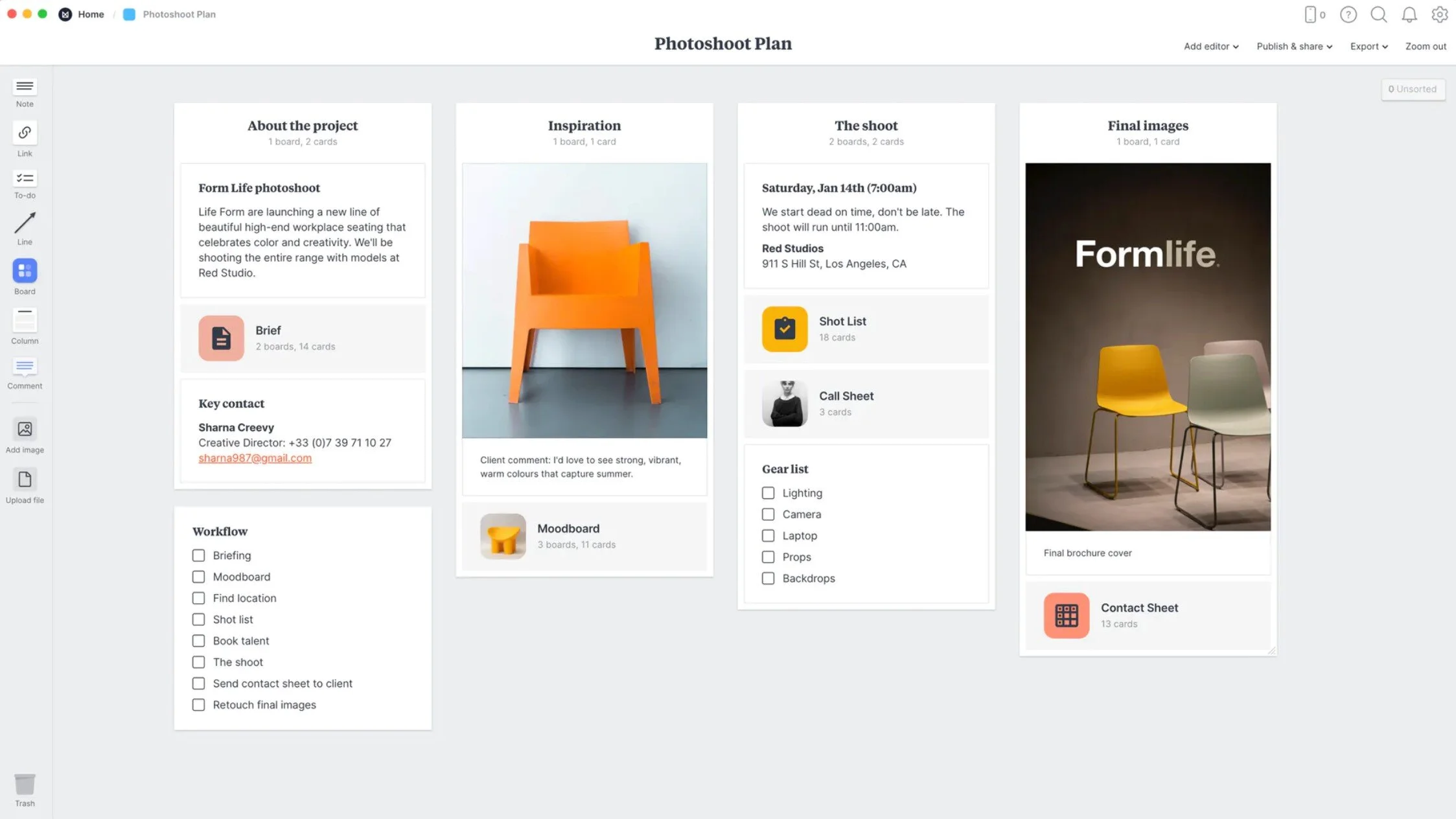
As a branding photographer, I rely on Milanote to organize everything from client moodboards to shot lists to location planning. Each project gets its own board, and inside that board I can map out the entire creative direction.
Moodboards that actually feel inspiring
Milanote makes it incredibly easy to drag in images, colour palettes, typography, and reference photos. I can create moodboards that feel cohesive and visually aligned with the client’s brand. Because the layout is freeform, I can arrange everything in a way that feels natural — not locked into grids or templates.
Clients love this part. It helps them visualize the direction before we ever pick up the camera.
Shot lists that evolve with the project
Instead of static checklists, I create visual shot lists with:
- reference images
- notes
- posing ideas
- location reminders
- wardrobe suggestions
This helps me stay organized while still leaving room for spontaneity during the shoot.
Location and lighting planning
I often drop in:
- screenshots of Google Maps
- location photos
- notes about natural light
- timing considerations
It becomes a mini‑production board that keeps everything in one place.
Using Milanote for YouTube content planning
My YouTube channel, Still Daydreams, has its own dedicated Milanote workspace. Because ambience videos require planning, sourcing, and long render times, I need a system that keeps everything organized without killing the creative vibe.
Video concepts and idea storage
I keep a running board of:
- video ideas
- seasonal concepts
- sound themes
- visual references
- notes on what viewers request
This board is where ideas live before they become real projects.
Production workflow
Each video gets its own board with:
- concept notes
- reference images
- sound sourcing
- editing reminders
- upload checklist
- thumbnail ideas
- title and description drafts
It keeps the entire process smooth and prevents me from forgetting small details that matter for viewer experience.
Analytics and growth tracking
I also track:
- subscriber milestones
- video performance
- Reddit traffic
- Pinterest saves
- watch time patterns
Seeing everything visually helps me understand what’s working and what to create next.
Blogging and content planning inside Milanote
As a blogger with multiple websites — including my twin‑parenting blog and my photography blog here — I need a system that keeps ideas organized across different niches.
Editorial calendar
I use a simple drag‑and‑drop calendar layout where I can:
- plan upcoming posts
- move ideas around
- track drafts
- store research
- keep SEO notes
It’s far more flexible than a traditional calendar app.
Long‑form content planning
For each blog post, I create a board with:
- outline
- keyword research
- links
- images
- quotes
- structure notes
- meta description ideas
This helps me write faster and stay focused.
Storing inspiration
Whenever I come across:
- a great headline
- a beautiful layout
- a compelling story idea
- a useful resource
…I drop it into my “Blog Inspiration” board. It becomes a library I can return to whenever I feel stuck.
Digital product creation and course planning
As a digital product creator and course builder, Milanote has become essential for mapping out complex projects.
Course structure mapping
For my Soulful Creative Business course, I used Milanote to:
- outline modules
- map lessons
- store scripts
- organize visuals
- track progress
- plan launch content
Seeing the entire course visually helped me stay motivated and clear on the direction.
Product development
For digital products, I use Milanote to:
- brainstorm product ideas
- outline content
- design mockups
- store brand elements
- track revisions
- plan marketing
It becomes a creative studio for product development.
Why Milanote works better than other tools I’ve tried
I’ve tried Notion, Trello, Asana, Google Docs, and a dozen others. They’re powerful, but they never felt like home. They felt like work.
Milanote feels like a creative space.
Here’s why it works better for me:
- It mirrors the way creative minds think
- It’s visual and intuitive
- It doesn’t overwhelm you with features
- It’s easy to start and easy to maintain
- It supports both structure and freedom
- It feels like a studio, not a spreadsheet
For creatives, that balance is everything.
Tips for getting the most out of Milanote
If you’re new to Milanote, here are a few things that helped me:
- Start with one board — don’t try to organize your whole life at once
- Use images generously — it’s a visual tool, so let it be visual
- Create a “brain dump” board for random ideas
- Build templates for recurring projects
- Keep your boards clean and intentional
- Let your workflow evolve naturally
The beauty of Milanote is that it grows with you.
A few last words
Milanote has become the backbone of my creative workflow — the place where ideas begin, projects take shape, and finished work is archived. It supports every part of my creative life: photography, YouTube, blogging, digital products, and even personal planning. It’s the one tool that truly feels like it was designed for creatives who think visually and need flexibility without chaos.
If you’re a photographer, designer, writer, content creator, or anyone who thrives in a visual environment, Milanote might become your favourite workspace too. It’s not just an organization tool — it’s a creative companion that helps you bring ideas to life.




Thanks so much for sharing this! I’m excited to check it out with your great recommendation.
So glad you found it helpful. Hope you like the app as much as I do!